Orbit2D › Android app
Orbit2D for Android
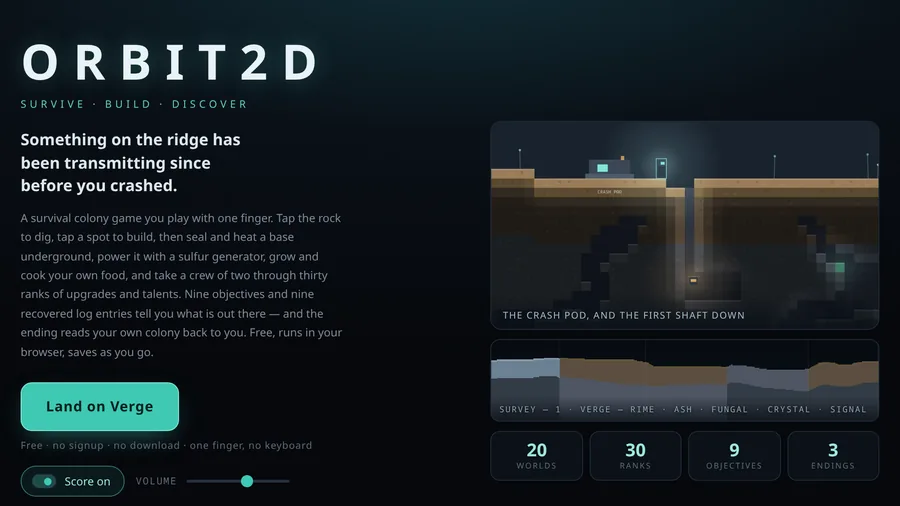
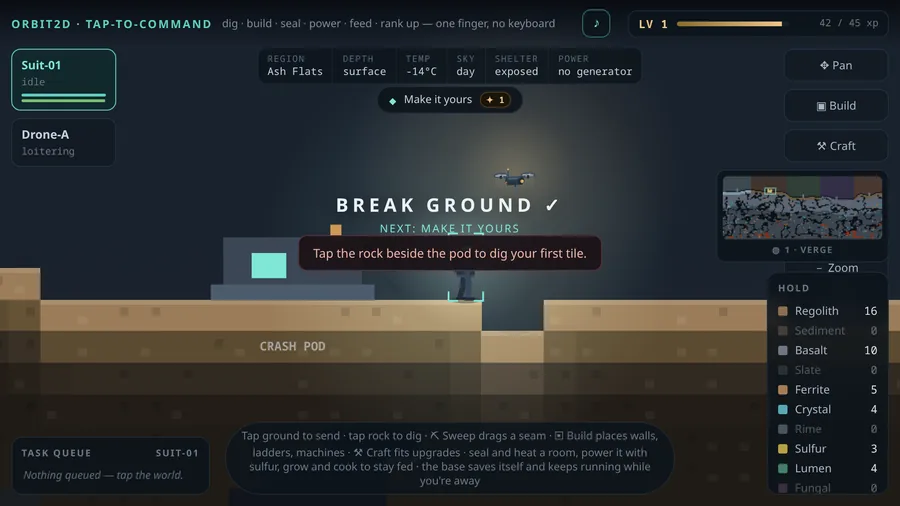
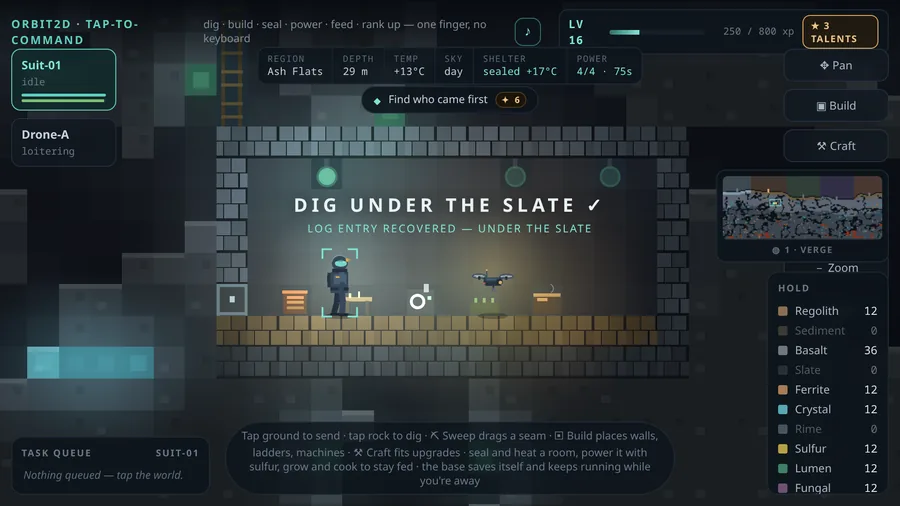
The whole game in a one‑megabyte app. Twenty worlds, thirty ranks, nine objectives and a soundtrack generated as you play — running entirely on your phone, with no account, no ads and no connection required.
SHA‑256 of the file:
8971bafe30595c2c56987597e60efac81dfa83da414095993924e9cc91ebeea7
This is an early build, distributed directly. Orbit2D is not on the Play Store yet, so your phone will warn you about installing an app from outside it — that warning is Android doing its job, and the steps below cover it. The Play Store release is coming; this page will point at it when it arrives, and the app will update itself from then on.
Installing it
- Download the APK on the phone itself using the button above. Chrome may ask you to confirm the download — this is expected for an APK.
- Open it from your notifications, or from Files → Downloads.
- Allow this one install. Android will say your browser is not allowed to install unknown apps and offer a Settings shortcut. Turn the permission on for the app you downloaded with, go back, and tap Install. You can turn it straight off again afterwards.
- Play. It opens in landscape, sets up your first world and never needs a connection again.
On Samsung phones the same setting is called Install unknown apps; on some others, Install from unknown sources. If Play Protect offers to scan the app, let it — it will pass.
What you get
- Plays offline, completely. The whole game is inside the app — there is nothing to download on first run and nothing to stream.
- No ads, ever. Not "no ads for now" — there is no ad code in the app at all, and there never will be.
- The whole game is free. Every world, rank, talent, objective and ending is in this download. There is one optional extra — the Deep Charter, a £4.99 supporter pack of extra worlds, crew colours and a colony name. It is bought on the website, not in the app, it buys nothing that makes the game easier, and nothing that exists today will ever move behind it.
- No account, no sign‑in, no energy timers. Your save lives on your phone.
- No tracking. The app contains no analytics, no advertising ID and no crash reporting. It asks for internet access and uses it for one thing: sending a feedback message if you choose to write one. Details in the privacy policy.
- Made for the phone. Immersive fullscreen, the back button closes one thing at a time rather than dumping you out, and the game saves the moment you switch away.
Questions people reasonably ask
Is it safe to install an APK from a website?
It depends entirely on the website. This file is built and signed by the developer of the game, served over HTTPS from the game's own domain, and its SHA‑256 fingerprint is published above so you can check the file you received is the file that was published. Android also verifies the signature on install, and Play Protect will scan it. If you would rather wait for the Play Store version, that is a perfectly sensible choice — the browser version needs no install at all in the meantime.
Will my browser save carry over to the app?
No. The app keeps its own save on your device, so you start fresh — twenty worlds waiting. Your browser progress stays exactly where it is and the two never interfere.
How do I get updates?
For now, come back to this page and install the newer APK over the top; your save is kept. Once the game is on the Play Store, updates arrive automatically.
Is there an iPhone version?
Not yet. The browser version works well on iOS — open orbit2d.co in Safari and use Share → Add to Home Screen for something close to an app.
Who made this, and where do I report a bug?
One developer, trading as orbited.co, building in the open — the whole thing is written up as it happens at log.orbit2d.co. There is a feedback form on the game's title screen and it goes straight to the developer, in the app and in the browser. If something drags or breaks, that is the fastest way to get it fixed.
For the curious: what is actually in the package
A native Android activity hosting the game, which is a single self‑contained HTML document with
no dependencies and no image files — every tile, character, light and effect is drawn in code.
That is why the download is under a megabyte. The app serves its own copy of the game over a local
https://appassets.androidplatform.net/ origin rather than file://, which
is what lets your save persist properly. Signing certificate SHA‑256:
aa:a9:d9:f9:b6:51:fc:41:1f:28:d0:3d:fb:ad:18:de:e1:9c:4b:d1:5a:82:f3:33:31:f6:c8:45:ae:88:95:57.
The full write‑up is
on the dev
log.